HubSpot's new pricing: contacts are free, emails cost credits. What does a newsletter cost now?
HubSpot is changing how you pay for it. Instead of buying individual hubs (Marketing, Sales, Service, Content…), EMEA customers now buy one edition for the whole account, pay per user (seat) and draw on a monthly pool of credits. Marketing contacts are no longer billed separately.
Sounds like good news. The catch: every marketing email you send now costs credits too. For companies that use HubSpot mainly for newsletters, that can turn the price upside down.
What's changing
- One edition per account. Starter, Professional or Enterprise – you can no longer mix editions across hubs.
- GTM seat: full access to marketing, sales and service. Starter from €20 per month (up to 10 paid seats), Professional from €90 billed annually (€100 monthly), Enterprise from €175.
- Ops seat: €50 per month for automation, reporting and admin. Professional and Enterprise only.
- Included credits: Starter 5,000, Professional 10,000, Enterprise 15,000 per month. Unused credits don't roll over.
- Extra credits: €0.01 each (billed in blocks of ten), or €10 per 1,000 credits in a prepaid capacity pack.
- Marketing contacts aren't billed separately any more; they count towards your record limit: Starter 25,000, Professional 250,000. Extra records cost €5 per 1,000.
The new pricing applies to new customers in EMEA from around October 2026. Existing customers stay on per-hub pricing for now, although HubSpot's terms allow it to move them later. If you receive a renewal quote, check which model it is based on.
What an email costs
This is the big change. Every marketing email costs credits, depending on how many you send per month:
| Emails per month | Credits per email | Price per email |
|---|---|---|
| 1–10,000 | 15 | €0.15 |
| 10,001–55,000 | 5 | €0.05 |
| 55,001–100,000 | 2 | €0.02 |
| 100,001–1,000,000 | 0.5 | €0.005 |
| over 1,000,000 | 0.05 | €0.0005 |
So the first 10,000 emails each month are the most expensive – exactly the range where most small and mid-sized companies operate.
Starter comes with the Base Marketing Pack at €150 per month: 2,500 sends and 2,500 credits. Professional and Enterprise can buy email sends packs (2,000 emails for €200, 10,000 for €1,000, 100,000 for €3,000, 1,000,000 for €6,000), which become cheaper than credits above a certain volume.
Credits are also used for other things, above all AI agents: the customer agent costs 50 credits per resolved conversation, the prospecting agent 100 credits per lead, a workflow action 3 credits (for the first 10,000 a month). Emails share the same monthly credit pool with everything else.
Calculator
Run it with your own numbers. Enter your contacts and emails, pick an edition and see the new pricing next to the old one. A few worked examples follow below.
Open full screenExamples
All prices are monthly list prices, excluding VAT, discounts and onboarding.
Starter, 5,000 contacts, newsletter twice a month (10,000 emails)
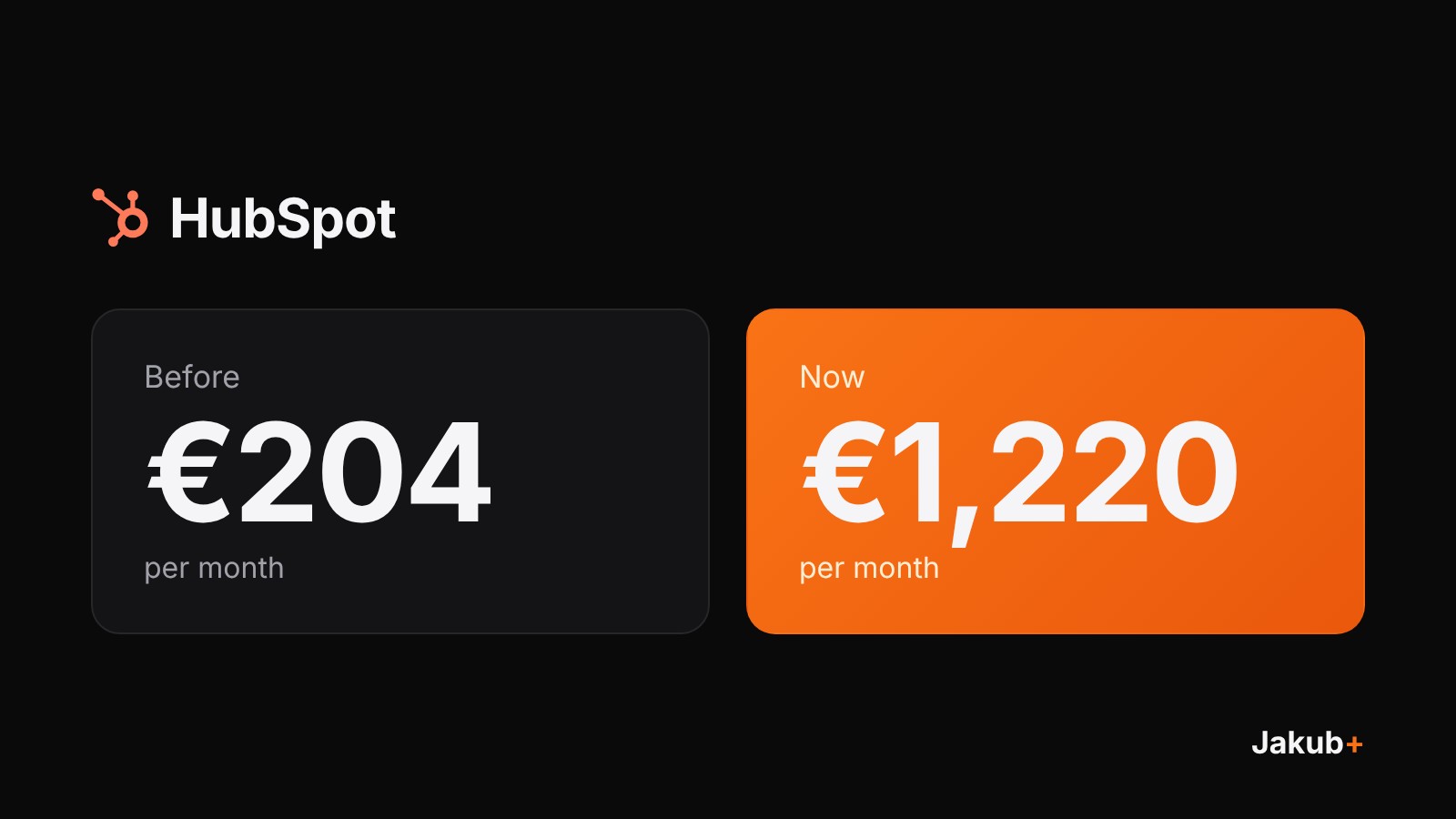
- Old Marketing Hub Starter (1 seat, 1,000 contacts + 4 packs of 1,000): about €204
- New Starter: seat €20 + Base Marketing Pack €150 + email credits €1,050 = about €1,220
The same newsletter, roughly six times the price. If you only send once a month (5,000 emails), the new Starter comes to €470 – still more than double.
Professional, 3 seats, 10,000 contacts, two emails a month (20,000 emails)
- Old Marketing Hub Professional: about €1,242
- New Professional: about €2,170
Professional, 3 seats, 25,000 contacts, 50,000 emails a month
- Old Marketing Hub Professional: about €1,917
- New Professional with a 100,000-send pack: about €3,270
Who comes out ahead: teams that send few emails and use several hubs at once (for example marketing, sales and service). There, the flat price per seat saves money.
Takeaways
Paying for AI agents based on the work they actually do makes sense. For email – the reason many companies use HubSpot in the first place – it gets expensive.
- If you're an existing customer, nothing changes for now. Before you renew, check which pricing model your quote is based on.
- If you're choosing HubSpot, work out how many emails you really send per month. For newsletters, it may be cheaper to keep the CRM in HubSpot and send campaigns from a dedicated email marketing tool.
- Double-check the numbers. HubSpot is rolling the new pricing out gradually and its own pages still differ in details (such as the number of included credits or exactly how the email tiers are applied). The calculator follows HubSpot's pricing supplement and applies the tiers progressively, like tax brackets.
Does it come out similar for you? Let me know.
Sources (as of 21 Nov 2026): HubSpot pricing supplement, HubSpot Marketing Hub (EUR), HubSpot DE blog, Hublead.